How Can I Schedule Instagram Posts Automatically?
If you’ve ever found yourself manually posting on Instagram at specific times every day, you’re not alone. Many business owners, creators, and marketers struggle to stay consistent while managing everything else.
The good news? You can schedule Instagram posts automatically — and once you do, it changes everything.
In this guide, you’ll learn exactly how to automate your Instagram posting, why it matters for growth, and how you can use Schedly to handle everything in just a few clicks.
Why You Should Schedule Instagram Posts Automatically
Instagram consistency is one of the biggest ranking factors in the algorithm. If you disappear for days and then suddenly post five times in a row, your engagement suffers.
Scheduling posts automatically allows you to:
-Stay consistent without being online 24/7- -Post at peak engagement times
- -Plan your content strategy in advance
- -Batch-create content instead of scrambling daily
- -Focus on growing your business instead of managing posts
Whether you're running a brand, promoting affiliate offers, building a personal brand, or managing multiple clients, automation saves time and increases performance.
Can You Schedule Instagram Posts Natively?
Instagram (via Meta Business Suite) does allow post scheduling. However, it comes with limitations:
- Limited automation options
- No advanced AI content generation
- Basic interface
- Not ideal for managing multiple platforms
- No smart content repurposing
If you’re serious about scaling your Instagram growth, you need something more powerful.
The Smart Way to Schedule Instagram Posts Automatically
The smartest approach is using a dedicated social media scheduling tool that connects directly to Instagram’s API and automates publishing.
This is where Schedly comes in.
What Is Schedly?
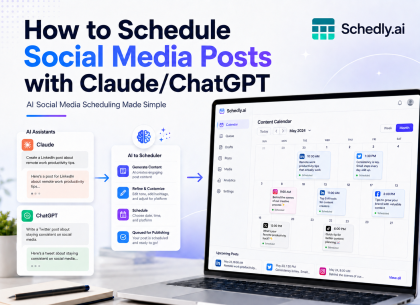
Schedly is an AI-powered social media automation platform designed to help creators and businesses schedule posts automatically across multiple platforms — including Instagram.
With Schedly, you don’t just schedule posts. You:
- Generate captions using AI
- Create AI-powered images
- Schedule posts weeks or months ahead
- Manage multiple Instagram accounts
- Publish automatically without reminders
- Track engagement performance
Everything is centralized in one clean dashboard.
How to Schedule Instagram Posts Automatically with Schedly (Step-by-Step)
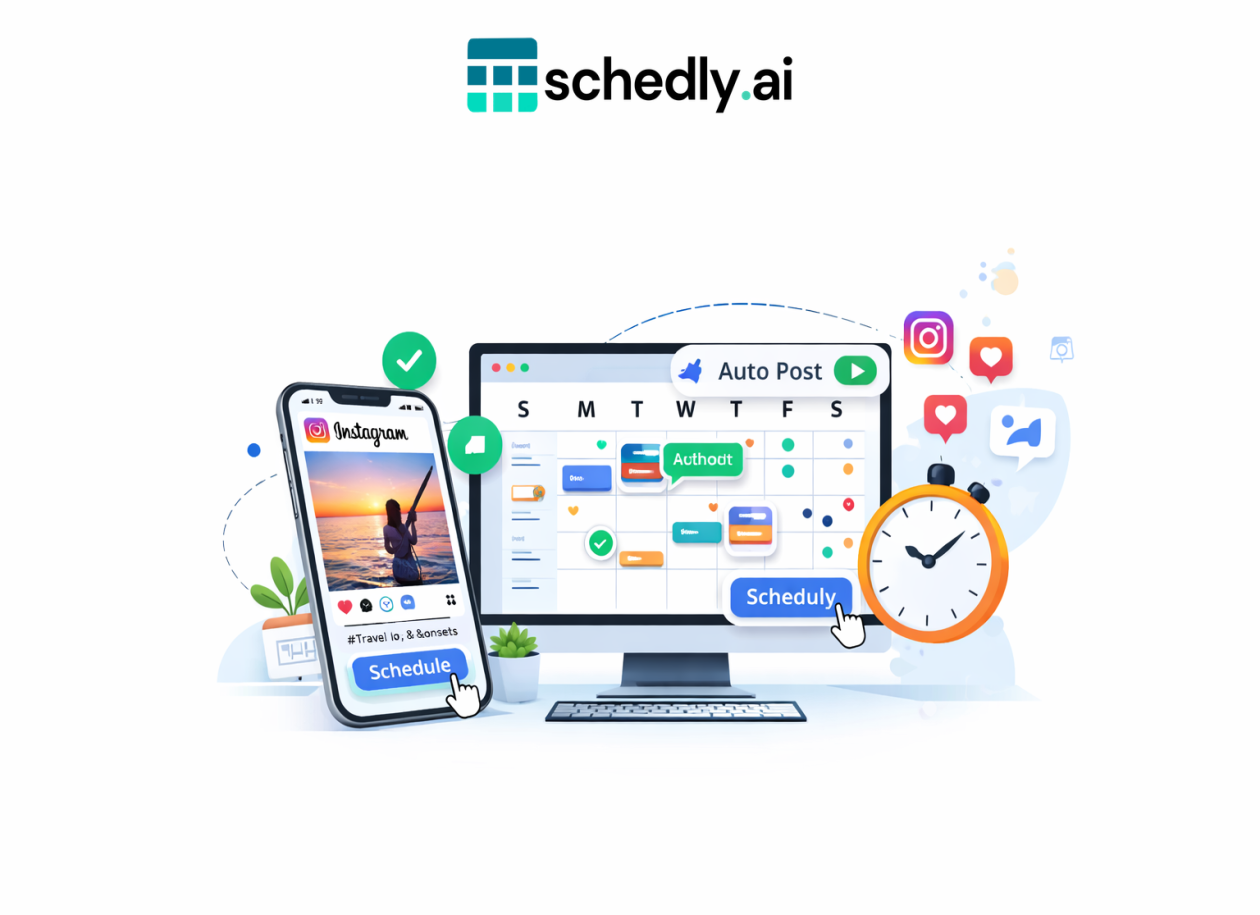
Step 1: Connect Your Instagram Account
Schedly connects securely through the official Instagram API. Just log in once and authorize access.
Step 2: Create Your Post
You can:
- Upload your own image or video
- Generate AI images directly inside Schedly
- Use the AI caption generator to create high-engagement descriptions
- Add hashtags instantly
Step 3: Choose Your Date and Time
Select the exact date and time you want the post to go live. You can schedule weeks in advance.
Step 4: Click Schedule
That’s it. The post will publish automatically at the selected time — even if your phone is off.
Benefits of Automating Instagram Posts with Schedly
1. Save Hours Every Week
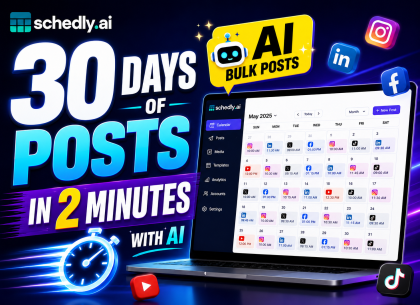
Instead of posting manually every day, you can batch-create 7–30 days of content in one sitting.
2. Increase Engagement
Scheduling allows you to post during peak hours consistently.
3. Scale Multiple Accounts
If you run niche pages, client accounts, or brand pages, Schedly allows you to manage them all in one place.
4. AI-Powered Content Creation
Stuck on what to write? Use built-in AI to generate captions, hooks, hashtags, and even full content ideas.
5. Cross-Platform Scheduling
Post not just to Instagram, but also to Facebook, LinkedIn, Twitter, TikTok, YouTube, and more — from one dashboard.
Is It Safe to Schedule Instagram Posts Automatically?
Yes — when using an official API-based platform like Schedly.
Schedly does not use unsafe automation bots. It connects directly via approved integrations, ensuring your account remains secure and compliant.
Who Should Use Instagram Scheduling Automation?
This is ideal for:
- Content creators
- Coaches and consultants
- E-commerce brands
- Affiliate marketers
- Agencies managing clients
- Personal brands
- Small businesses
If you post at least 3 times per week, automation will dramatically improve your workflow.
Common Questions About Instagram Post Scheduling
Can I schedule Instagram Reels automatically?
Yes. Schedly supports scheduling different content formats, including image posts and video content.
Can I edit scheduled posts?
Absolutely. You can edit, duplicate, or reschedule posts anytime before publishing.
Can I schedule months in advance?
Yes. Many users plan 30–90 days of content in advance.
Why Manual Posting Is Holding You Back
Manual posting creates friction. You depend on reminders. You lose consistency. You waste mental energy deciding what to post daily.
Automation removes friction.
When your content is planned and scheduled, your brain is free to focus on growth, sales, and strategy instead of micro-management.
Final Thoughts: Automate Your Instagram Growth Today
If you’re serious about growing on Instagram, consistency is non-negotiable. And consistency requires systems.
Scheduling Instagram posts automatically is not just a convenience — it’s a competitive advantage.
Schedly gives you everything in one place: AI content creation, automated publishing, multi-platform support, and performance tracking.
Start Scheduling Instagram Posts Automatically with Schedly
Stop posting manually. Stop missing peak times. Stop losing consistency.
Start automating today.
Schedule smarter. Grow faster. Automate everything.
Share: